Table of Contents
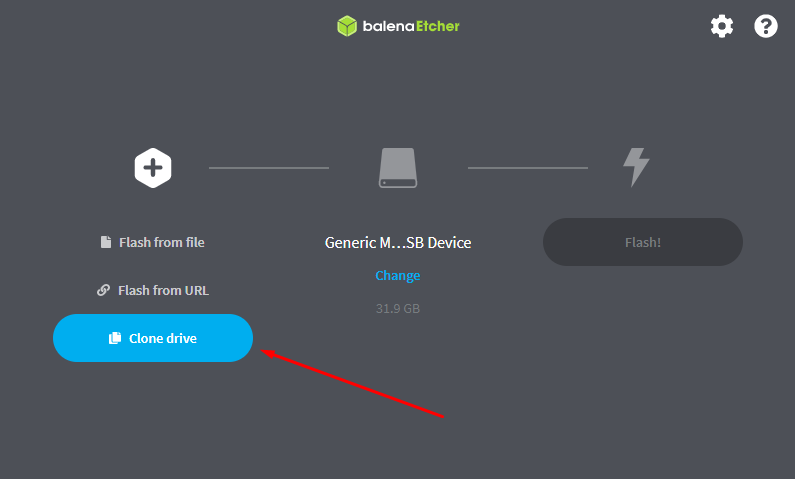
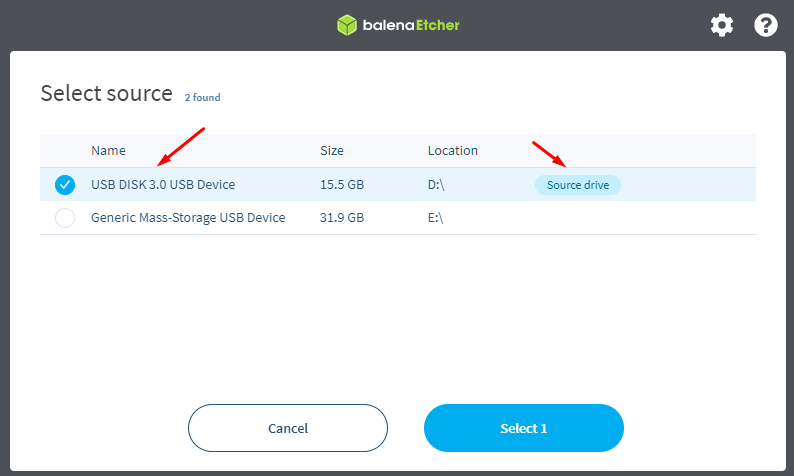
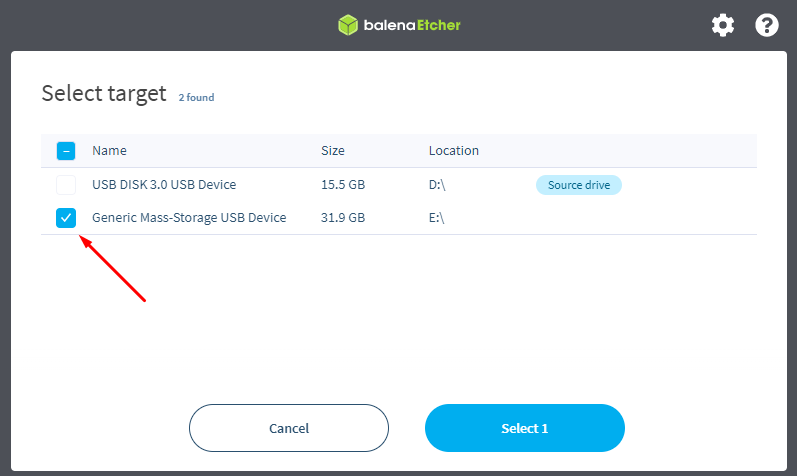
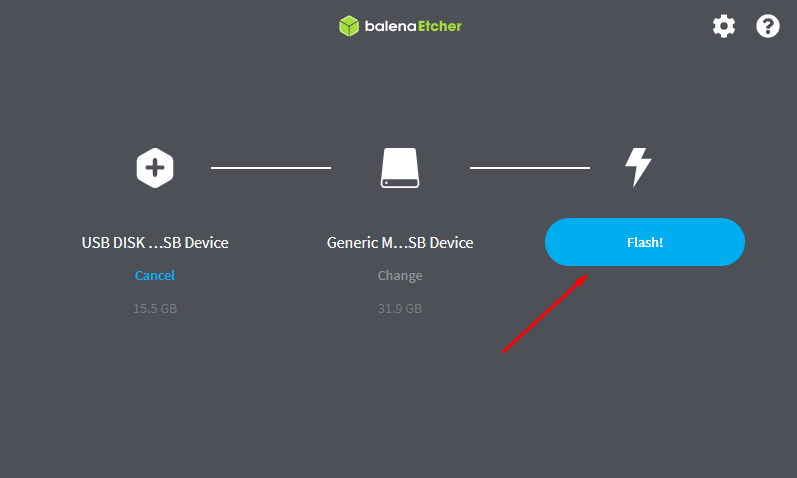
Balena Etcher (flashing the OS)
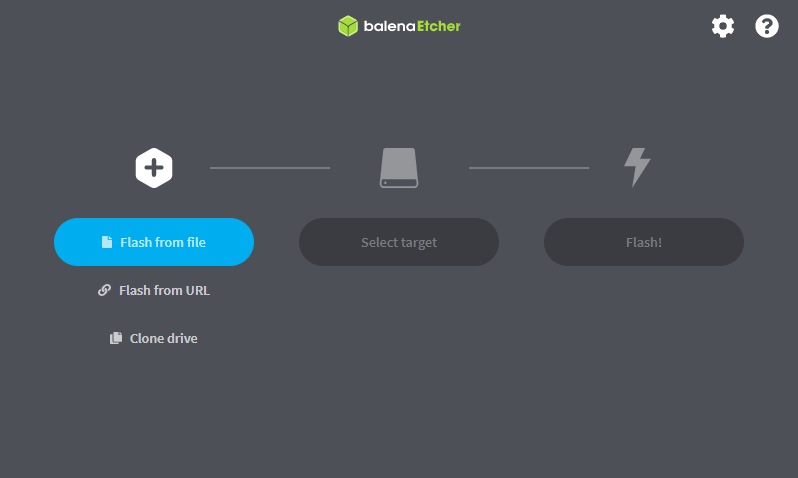
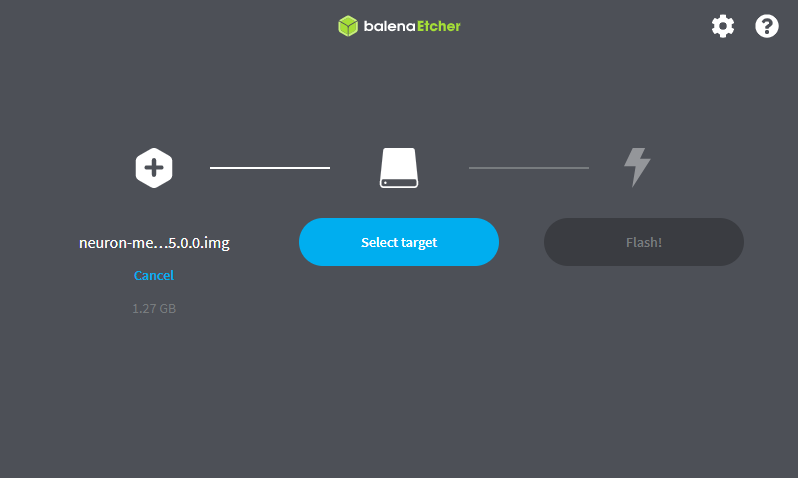
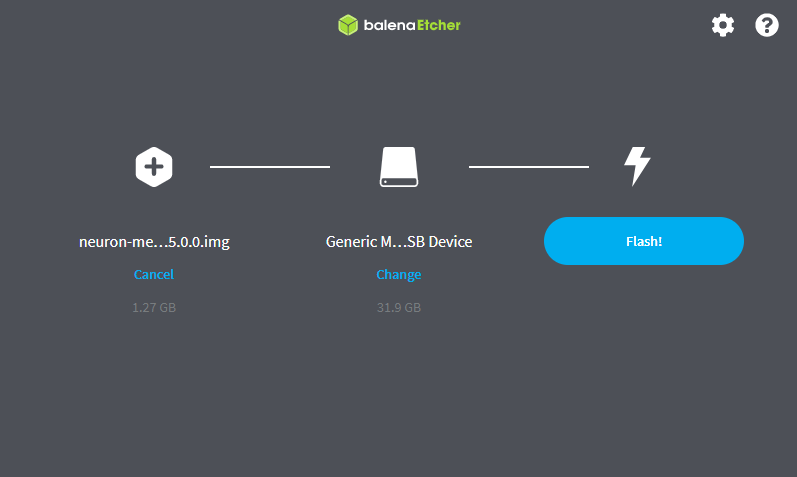
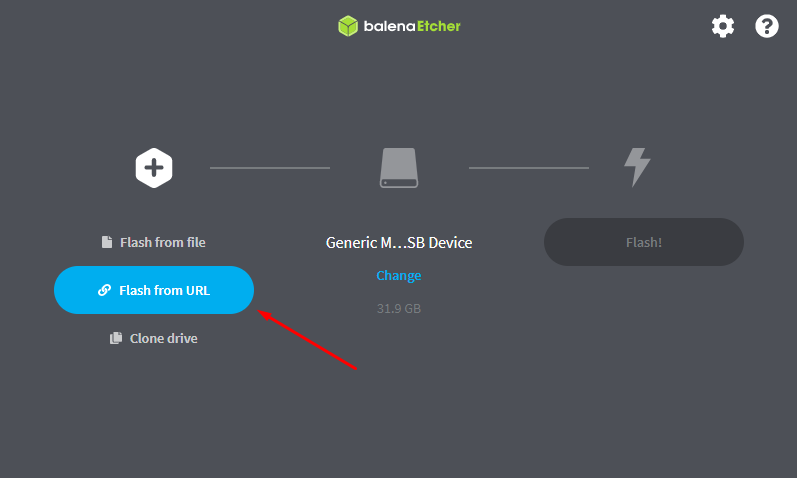
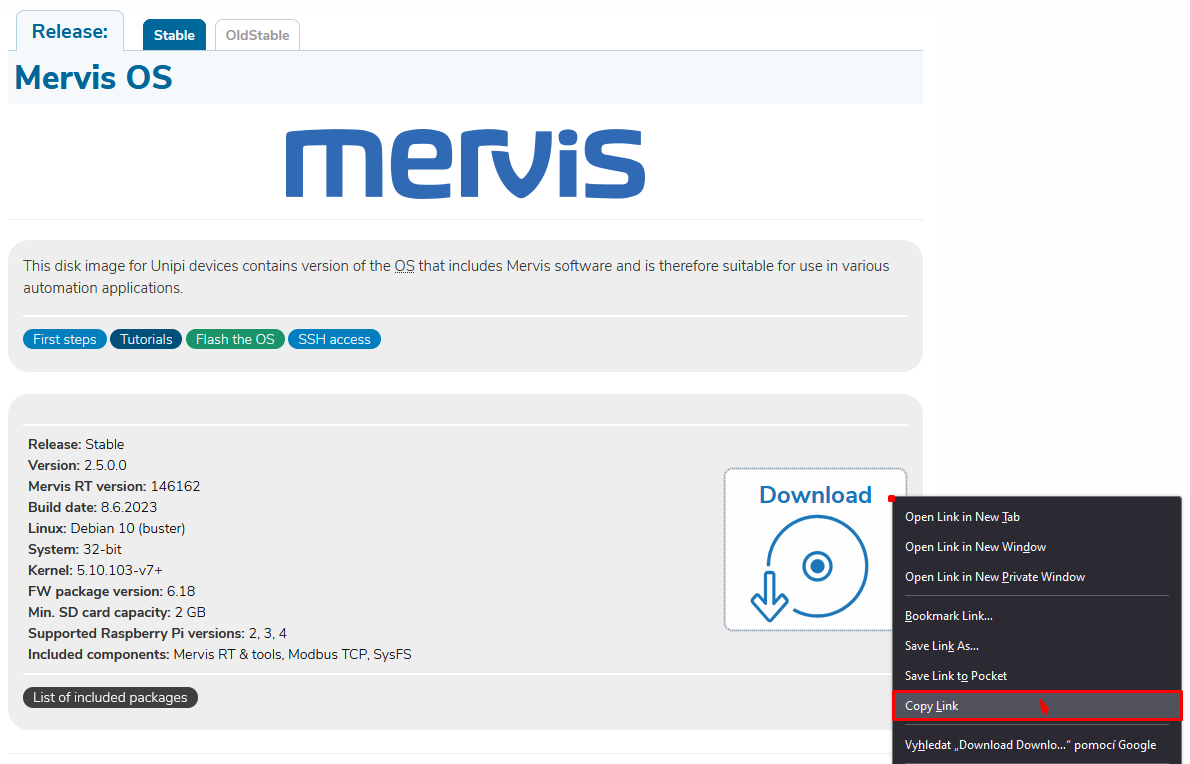
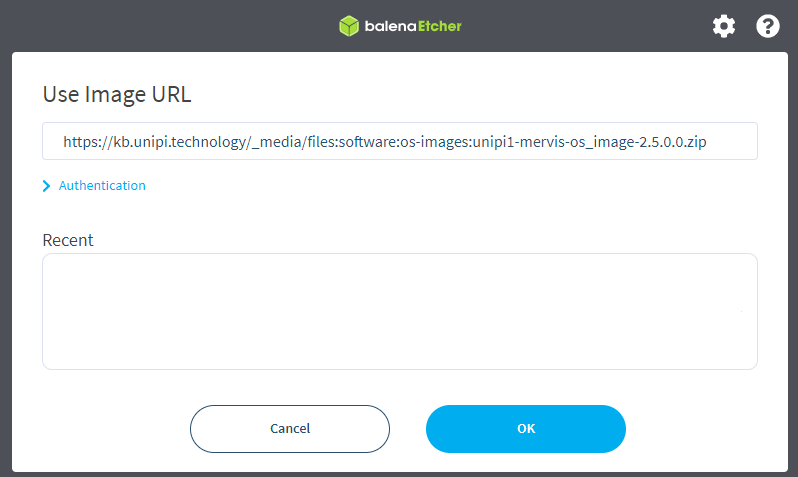
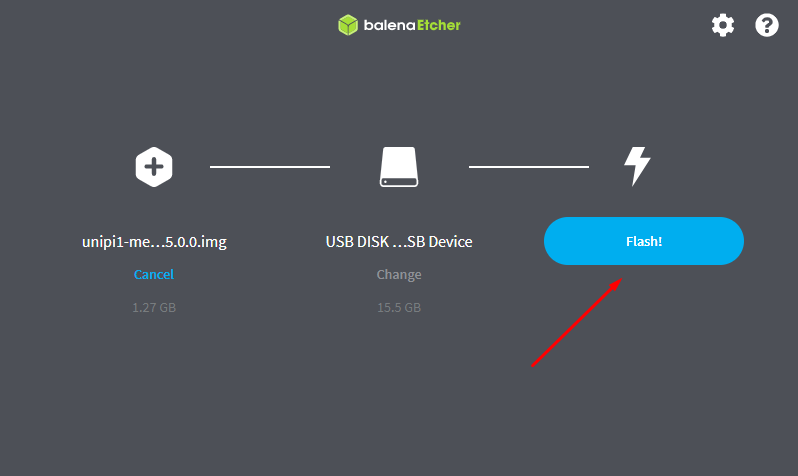
The OS image can be written to an SD card using the open-source BalenaEtcher tool (for Windows OS) and then run on Unipi devices.
You can download BalenaEtcher from official web pages.



Attention:
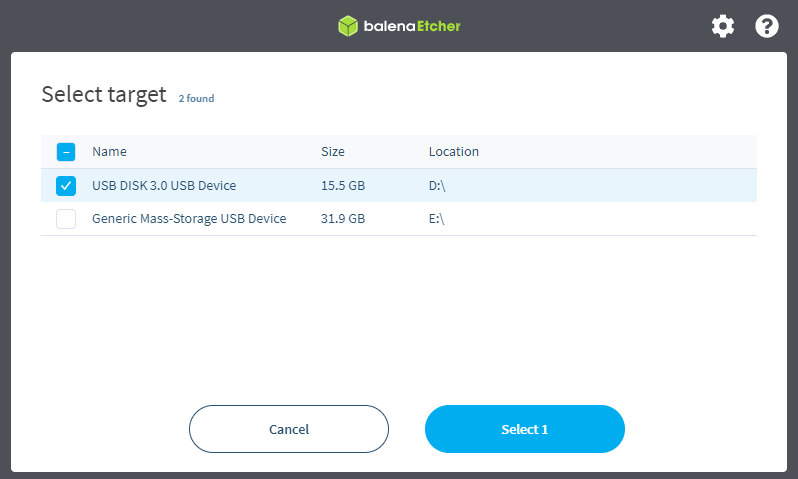
Extreme caution is essential when choosing a disc. Selecting the wrong storage medium could result in data loss on a storage other than the desired one.