Cloning a disk with an OS image
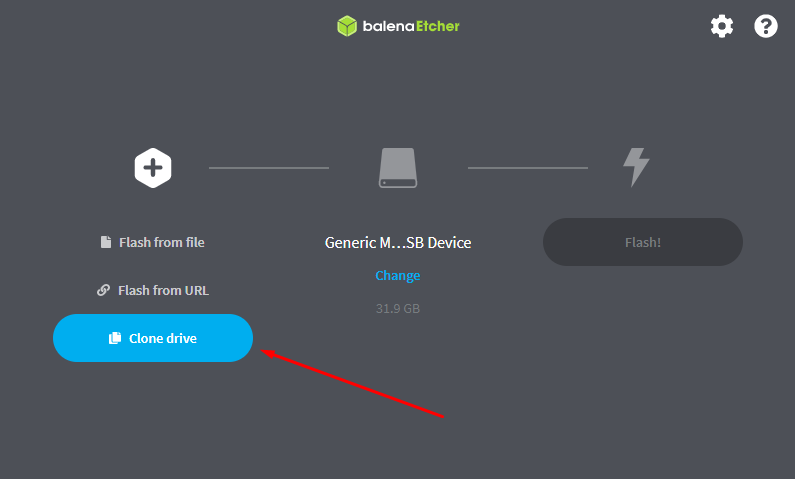
The last option in BalenaEtcher is to clone the storage. Cloning is especially useful for creating a backup before the final placement of the Unipi device and start of operation. In the main menu, this is the third option Clone drive.
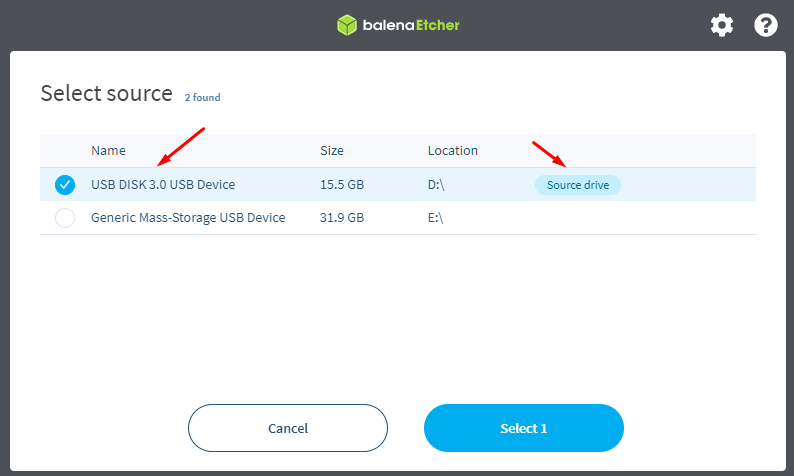
The selection of source storage will appear. When selecting, please note the caution in the introduction of the article.
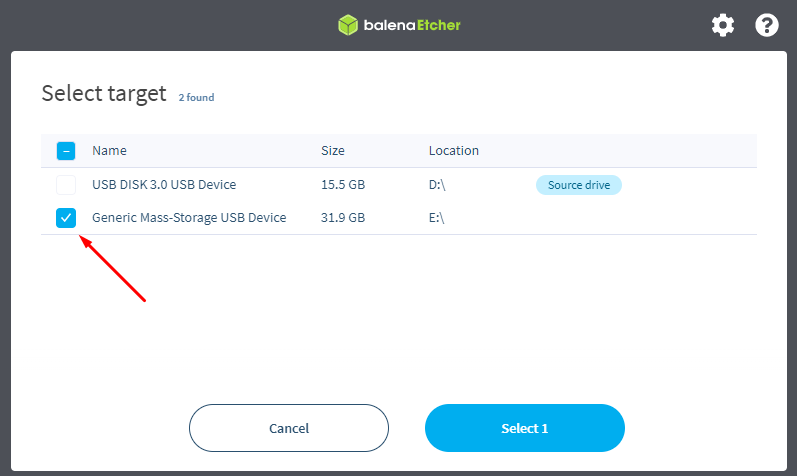
To select a target storage (or multiple storages), click Select target. When selecting, please note the caution in the introduction of the article.
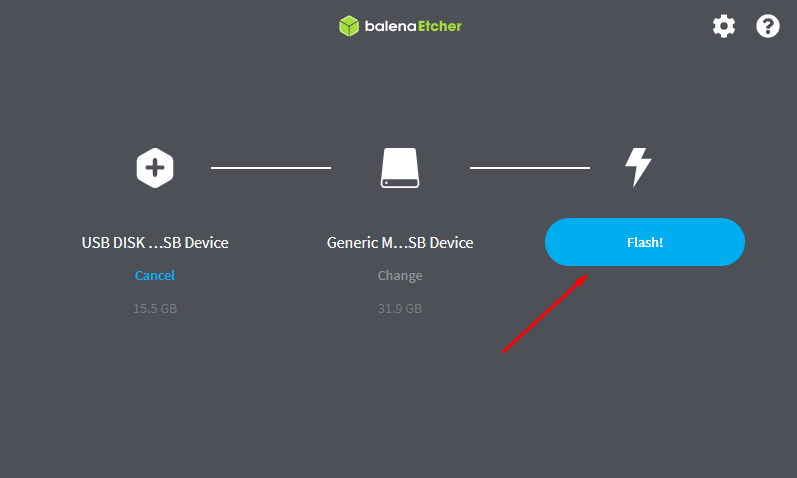
Flashing the OS image to storage will start after clicking on Flash!